Premiere Pro Course

Categories: AI Courses
Wishlist Share
Share Course
Page Link
Share On Social Media

About Course

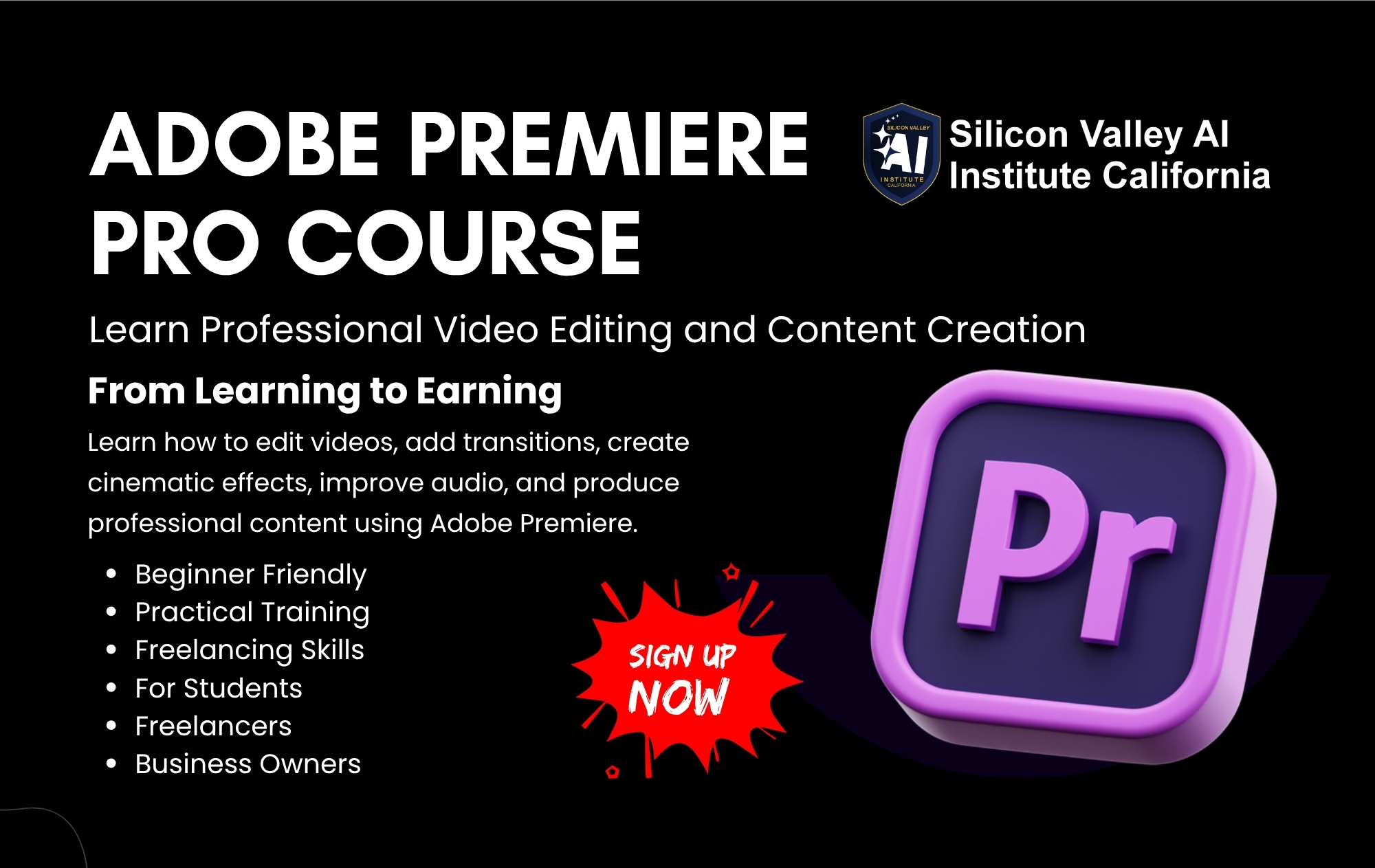
The Premiere Pro Course is designed for those who want to dive into the world of professional video editing using Adobe Premiere Pro. Whether you’re an aspiring video editor, content creator, or a business owner looking to create high-quality videos, this course will guide you through every step of the editing process. Learn how to cut, edit, and enhance video content with ease while mastering the tools and features that make Premiere Pro the industry standard for video editing.
What Will You Learn?

  • Introduction to Premiere Pro: Understand the interface and navigation of Premiere Pro to get started with video editing.
  • Learn how to import and organize video, audio, and graphics files in Premiere Pro.
  • Master basic video editing techniques, such as cutting, trimming, and arranging clips on the timeline.
  • Discover how to apply transitions, effects, and animations to create smooth and engaging videos.
  • Learn to work with audio: adjust levels, remove noise, and sync sound.
  • Color grading and correction techniques to make your footage pop.
  • Learn how to create titles and graphics to enhance your videos.
  • Understand how to use keyframes, motion effects, and masking for dynamic edits.
  • Explore advanced features like multi-camera editing, time remapping, and the use of Premiere Pro's integration with other Adobe tools.
  • Learn how to export your projects in the best format for different platforms (YouTube, social media, film, etc.).